
Rehearse your speech out loud, before the big day.
Paste in the speech you have coming up. Read it on a teleprompter, record yourself, and learn it part by part.
Public Speaking is a public speaking practice app inside Tulbrain: you rehearse your own speech, and it’s in the app now.


Availability varies by country.
On iPhone and Android. Same app, same account.
Going over it in your head isn’t rehearsing. A silent run-through hides the stumbles you’ll hear the moment you speak.
Practice your speech four ways
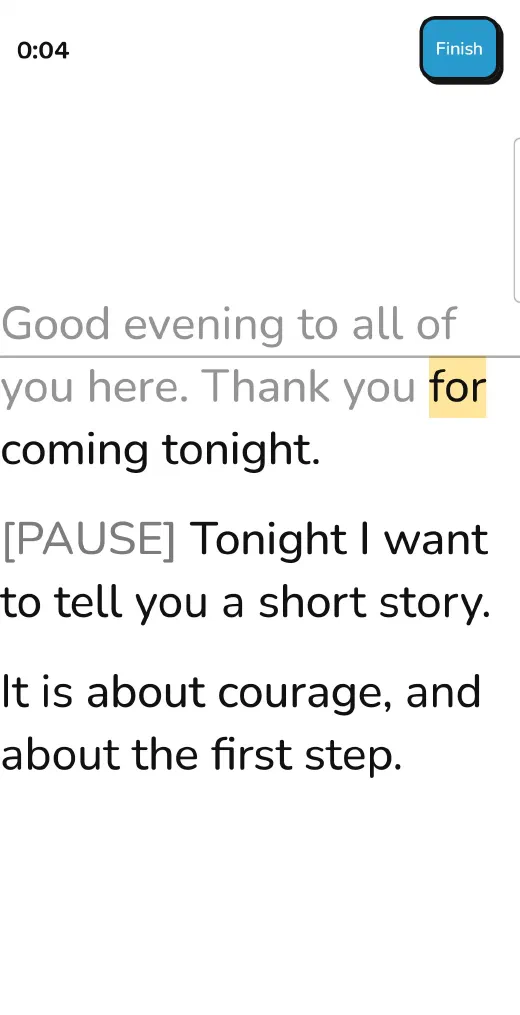
Teleprompter
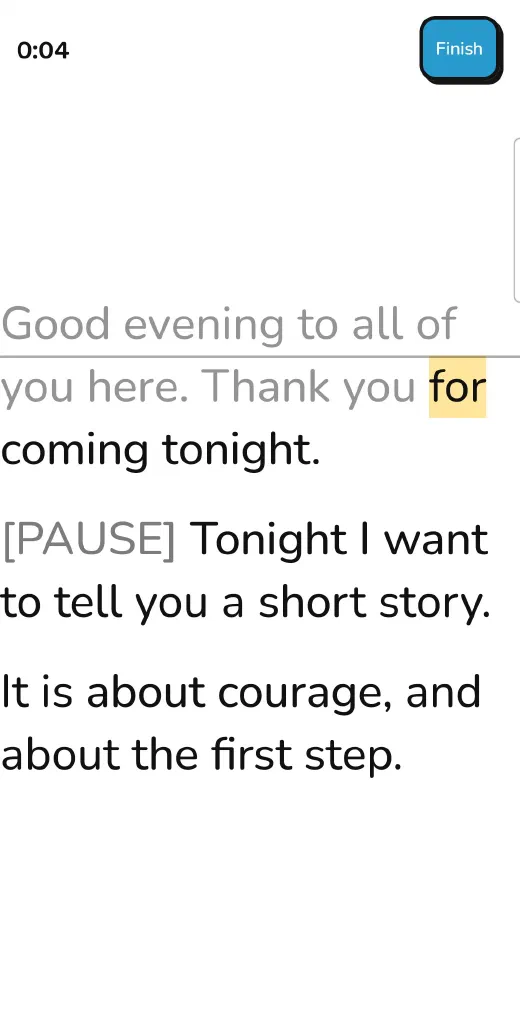
Your speech scrolls at the speed you set, or paced to your target time. Add [PAUSE] and [BREATHE] marks where you want them.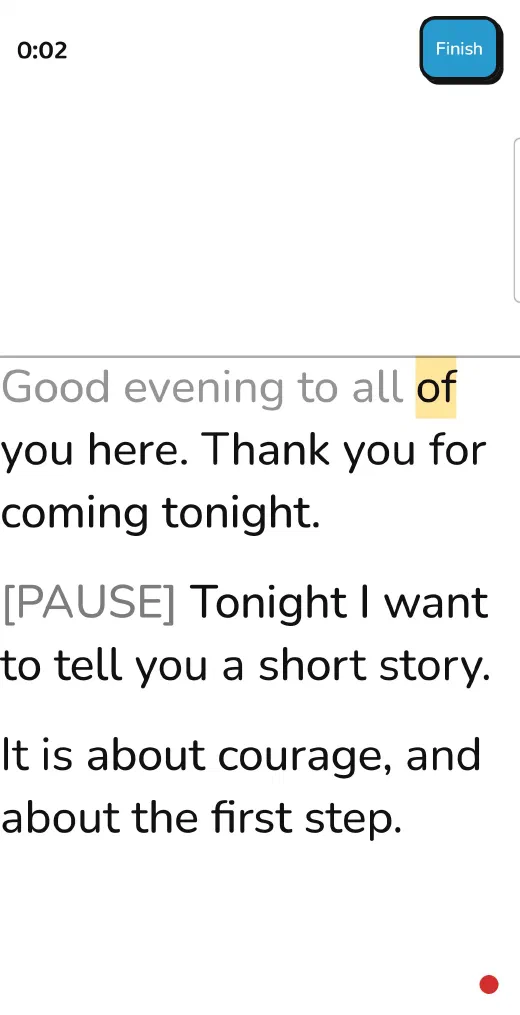
Record
Record your voice or a video while you rehearse, and play it back. Your recordings stay on your phone and are never uploaded.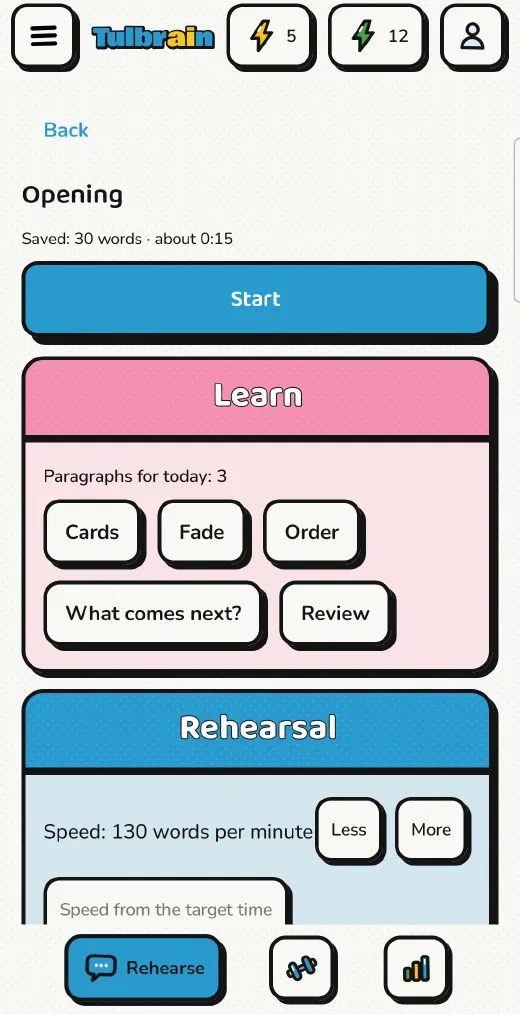
Learn
Keyword cards, Fade (each pass hides more words), Order, What comes next?, and a daily Review that counts down to your speech date.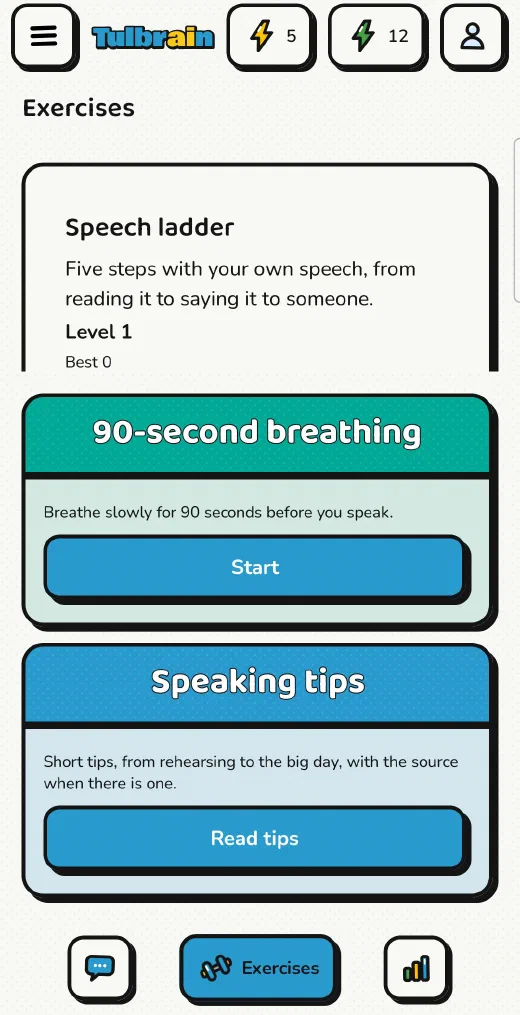
Exercises
Improvise, Emotions, and Tongue twisters, plus a five-step speech ladder, 90-second breathing, and speaking tips, several with a cited source.When the day comes
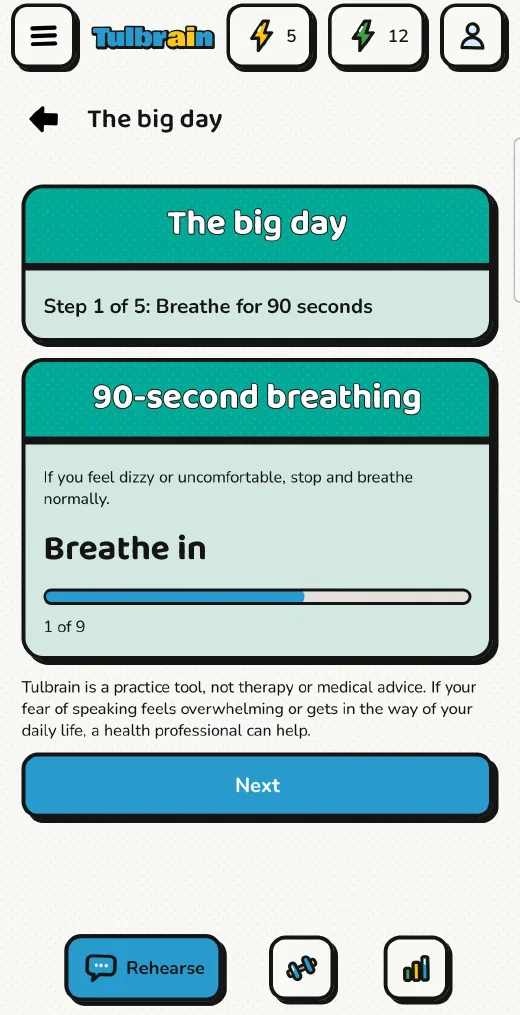
The big day walks you through breathing, your cards, and the teleprompter. You can rate your nerves from 1 to 5, and Progress keeps your ratings in a nerves diary.
Tulbrain's skills
FAQ
Is there an app to practice a speech?
Yes. In Public Speaking you paste or write your own speech, read it on a teleprompter, record yourself, and learn it part by part, with a daily review up to your speech date.
Are my recordings uploaded?
No. Your recordings stay on your phone and are never uploaded. Deleting a speech deletes its recordings.
How do I get Public Speaking?
It’s included in the Premium and Founders plans, and it doesn’t use Energy.
Where can I use it?
In the Tulbrain app, on Android and iPhone.
Availability varies by country.
On iPhone and Android. Same app, same account.